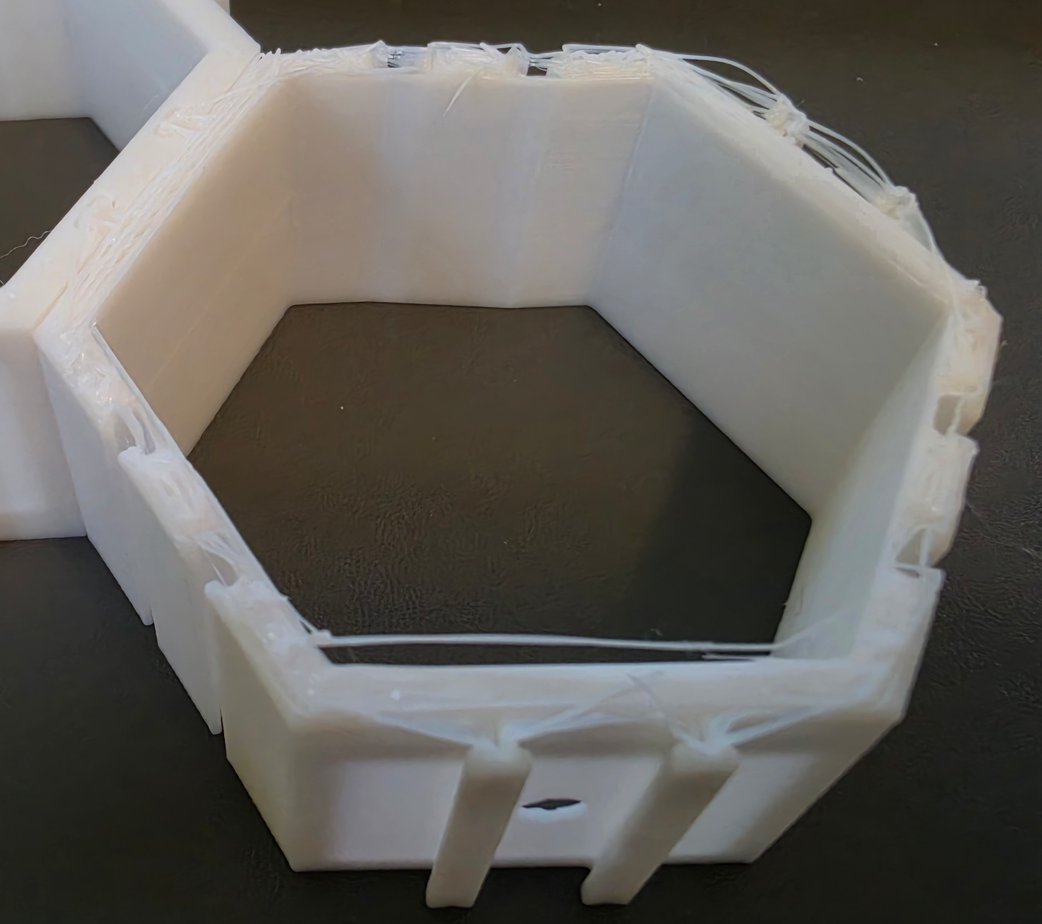
My test of using a .5mm gap to print two objects on on top of another didn’t go as well as I wished. The two piece printed successfully, but they are fused together and I cannot separate them… my guess is that there is too much surface area between the two objects and they are fused together.
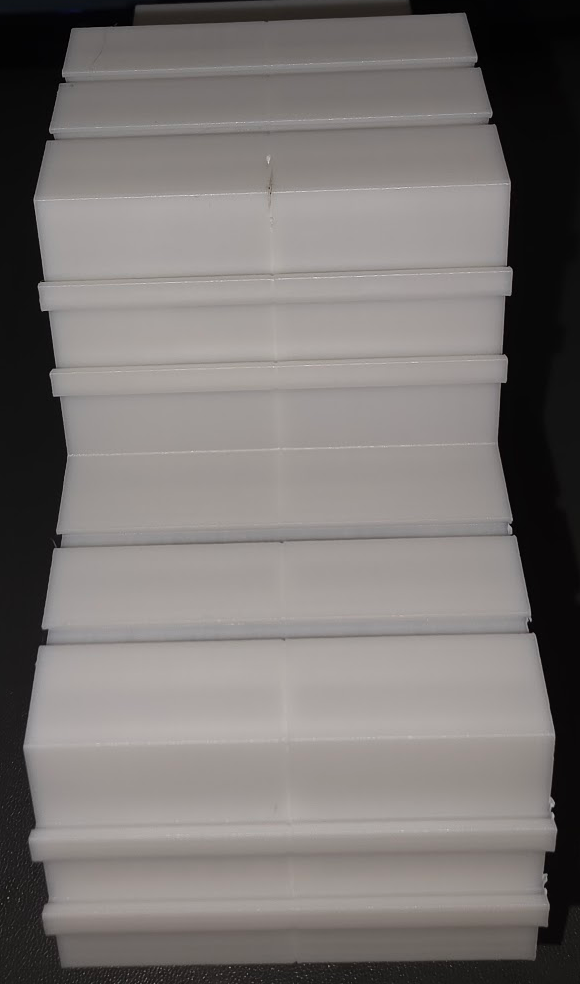
So how can I create less surface area? 1.0mm sphere to the rescue!
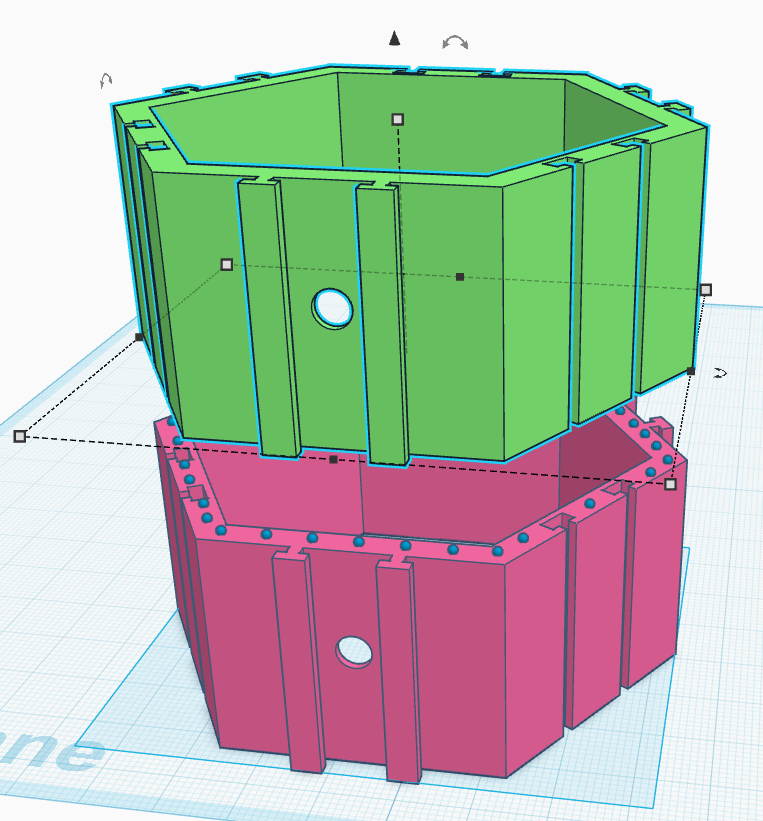
I added a layer of 1mm spheres around the edge around the top of the bottom object. This worked well, with some exceptions. The print finished successfully and I was able to separate the two objects, but there was definitely some quality control issues with the top object. I will add more spheres and be intentional about where I place them. In particular the T’s that are used to lock the pieces together. That seemed to be a popular failure point.
Some of the first layers are stringy, one side of the hexagon is warped, and just now realizing that there is front/back orientation of the objects…. These are hexagons that can be used to display LEGO minifigs on a wall. Some prints have solid backs that allow you to mount them to a wall.
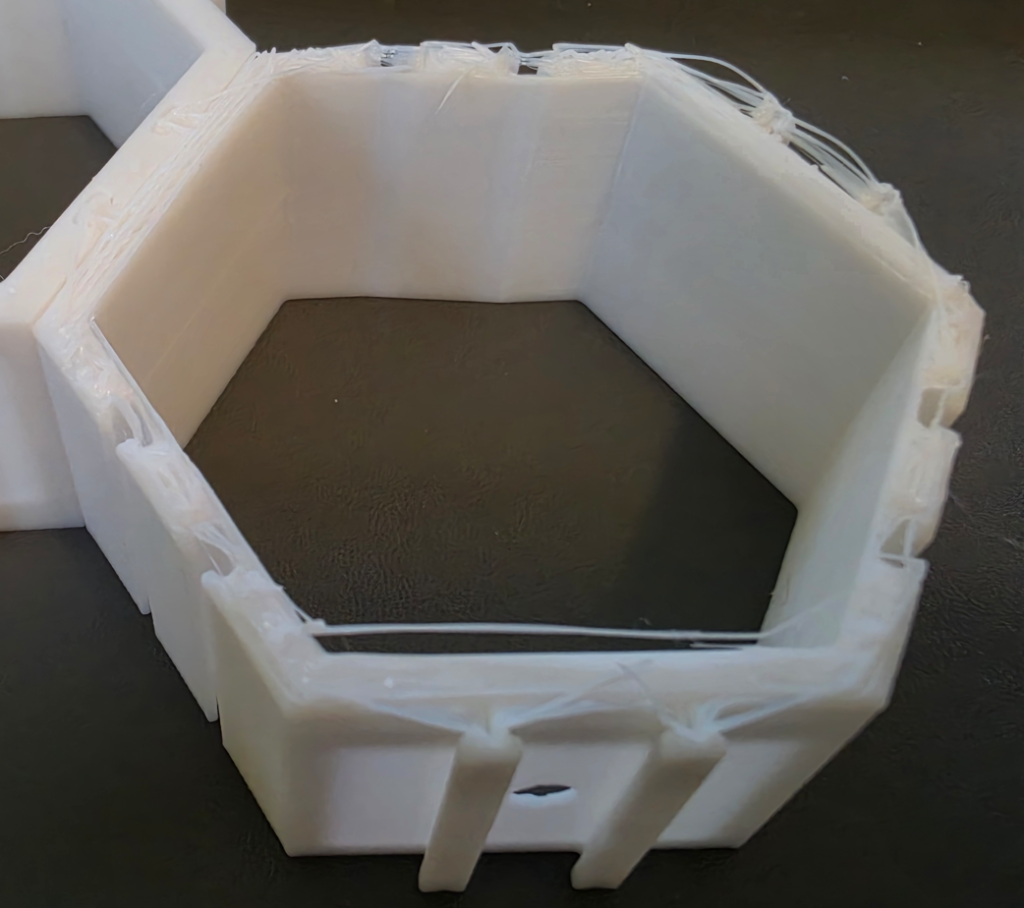
Even with the quality control issues, I can print them back to back and the rough side will just face the wall, leaving the very bottom and top layers to be facing me while I’m slaving away at my desk admiring my precious minifigs.